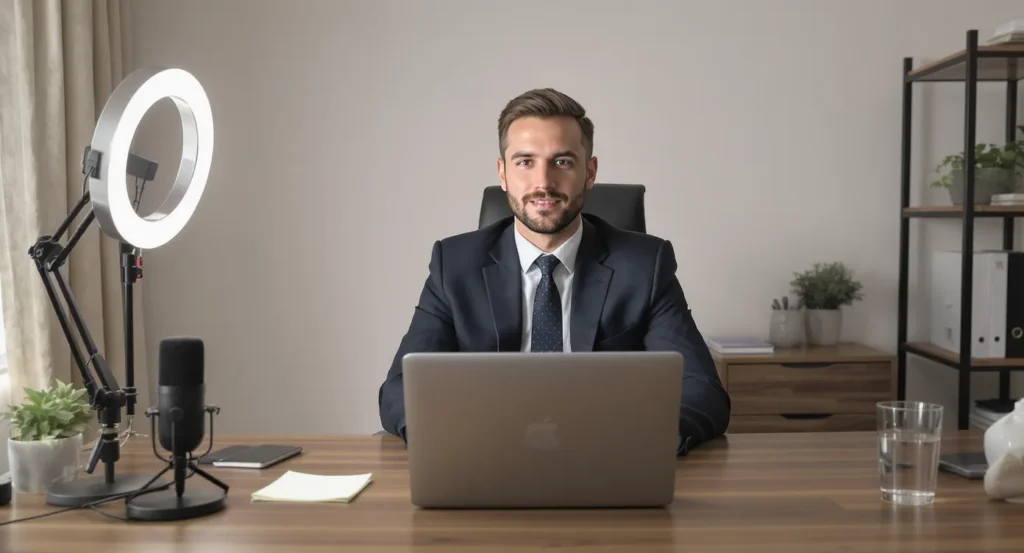

Recruiters have embraced Zoom so completely that more than 80 percent of first-round interviews now happen on video, according to a 2025 LinkedIn Hiring Trends report. Yet while virtual meetings remove travel stress, they introduce new hurdles: camera anxiety, background distractions, screen-sharing glitches, and the pressure to deliver concise answers while monitoring your own image. Fortunately, pairing proven Zoom interview best practices with real-time AI coaching can neutralize those hurdles and help you project confidence from the first “Hello.”
1. Understand What Makes Zoom Interviews Different
Traditional in-person etiquette still applies—punctuality, preparation, professional dress. But Zoom introduces factors you must proactively manage:
| Virtual Variable | Why It Matters | What Can Go Wrong |
|---|---|---|
| Camera framing | Keeps your face and gestures visible | Low angle might signal disinterest; cluttered shot can distract |
| Audio latency | Influences conversational flow | Over-talking the recruiter or long silences |
| Digital body language | Replaces the firm handshake | Looking at the screen instead of camera lens reduces eye contact |
| Multi-task triggers | Notifications can derail focus | Pop-ups or Slack pings reveal unprofessional multitasking |
Knowing these pitfalls frames the skills you must sharpen before you ever click “Join Meeting.”
2. Technical Setup: The Non-Negotiables
- Check bandwidth: At least 5 Mbps upload/download for stable HD video (Zoom Support, 2025). Test on speedtest.net the day before.
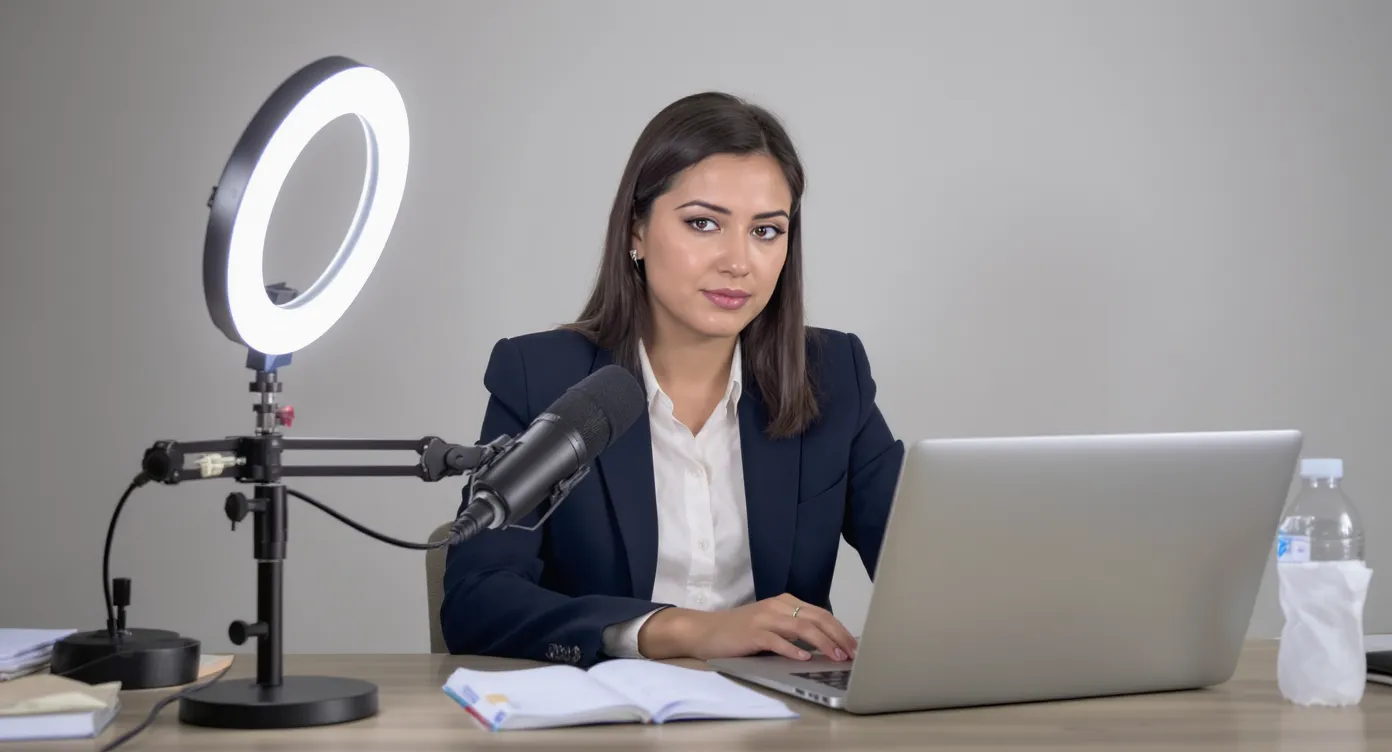
- Use a 1080p webcam mounted at eye level. Stack books or use a tripod; low-angle shots create “looming” distortion.
- Invest in a USB condenser mic or wired headset. Laptop mics are prone to echo and keyboard noise.
- Light from the front, not behind. A simple ring light angled at 45 degrees prevents shadows.
- Declutter the backdrop or activate a neutral Zoom background. Avoid movement—no spinning ceiling fan.
- Silence desktop notifications. Quit Slack, mute email, disable calendar pop-ups.
A quick technical rehearsal 24 hours prior lets you fix issues without race-day panic.
3. Professional Presence Through the Lens
- Maintain virtual eye contact by positioning the Zoom window directly under your webcam arrow. You can still read facial cues without staring down.
- Sit back 18–24 inches from the camera so shoulders and hands are visible for natural gestures.
- Dress one notch above the company’s day-to-day attire, top to bottom. Interviewers have seen pajama shorts when candidates stand.
- Keep a glass of water within reach, but avoid sipping mid-answer. Brief water breaks are fine between questions.
- Mirror the interviewer’s energy. If they are relaxed and conversational, soften your tone; if they are formal, match that professionalism.
4. Structuring Answers the Recruiter Will Remember
Digital interviews compress attention spans. Aim for tight, narrative answers that last 60–90 seconds. Two frameworks dominate modern hiring:
- STAR (Situation, Task, Action, Result) – best for behavioral questions like “Tell me about a time you led a team.”
- CAR (Challenge, Action, Result) – a lean variant you can deploy for rapid-fire follow-ups.
Practice aloud so transitions feel seamless. If you need to reference numbers, tape a small sticky note beside your webcam at eye level; avoid obvious downward glances.
5. Where Real-Time AI Coaching Fits In
Until recently, candidates relied on mock interviews or flashcards. Real-time AI coaching changes the game by delivering context-aware prompts and tailored talking points while you speak. Instead of guessing what to say next, you receive instant, private guidance layered over your screen.
How It Works
- Speech transcription: Advanced models convert spoken recruiter questions to text within milliseconds.
- Contextual matching: The AI maps that text against your résumé, the job description, and best-practice frameworks.
- Instant suggestions: A discrete overlay provides bullet-point reminders—accomplishment metrics, relevant tools, concise STAR outline—visible only to you.
The result: smoother responses, fewer filler words, and the confidence that every example you give aligns with the role.
6. Using NiraswaAI During a Zoom Interview
NiraswaAI delivers the above workflow without monthly fees. Here is a practical game plan:
- One-time install: Add the Chrome overlay and grant microphone permission for live transcription. No software is installed on company devices.
- Upload your résumé and JD: NiraswaAI’s resume-based engine links each bullet-point achievement to job requirements.
- Pick your language: Choose from 52 languages if you expect multilingual questions.
- Configure prompt style: Behavioral, technical, or a blend. Coding candidates can enable code-snippet hints.
- Preview: Launch a quick Zoom test call. You will see a semi-transparent sidebar that surfaces suggestions only when questions are detected, keeping your screen uncluttered.
- Live interview: As the recruiter speaks, the overlay captures the question. You will receive a concise answer outline—think “STAR + key metrics + closing hook”—within two seconds. Scan, speak naturally, and adapt. The recruiter sees nothing except your composed delivery.
Because NiraswaAI uses a one-time payment model, you avoid the fear of a subscription renewing after your job hunt ends.
7. Ethical and Compliance Considerations
AI coaching is most valuable when used as a real-time memory aid, not a word-for-word script. Recruiters can spot robotic delivery. Keep these guidelines in mind:
- Do not read directly from the overlay. Let it jog your memory.
- Disable screen-sharing unless expressly requested, preserving the privacy of the overlay.
- Verify company policies. Some highly regulated roles prohibit external digital assistance during interviews. In that case, use NiraswaAI strictly for rehearsal.
- Keep honesty paramount. AI can suggest achievements, but those achievements must be yours.
8. The 15-Minute Warm-Up Routine
Complete this checklist on interview day:
- Close background programs, run a fresh speed test.
- Open NiraswaAI, load the correct job profile, and conduct a 30-second mic check.
- Review three compelling STAR stories that match the role’s top competencies.
- Scan LinkedIn for any breaking news about the company—earnings, product launches—so you can weave insights naturally.
- Place your phone face down in Do Not Disturb mode; keep it close only as a hotspot backup.
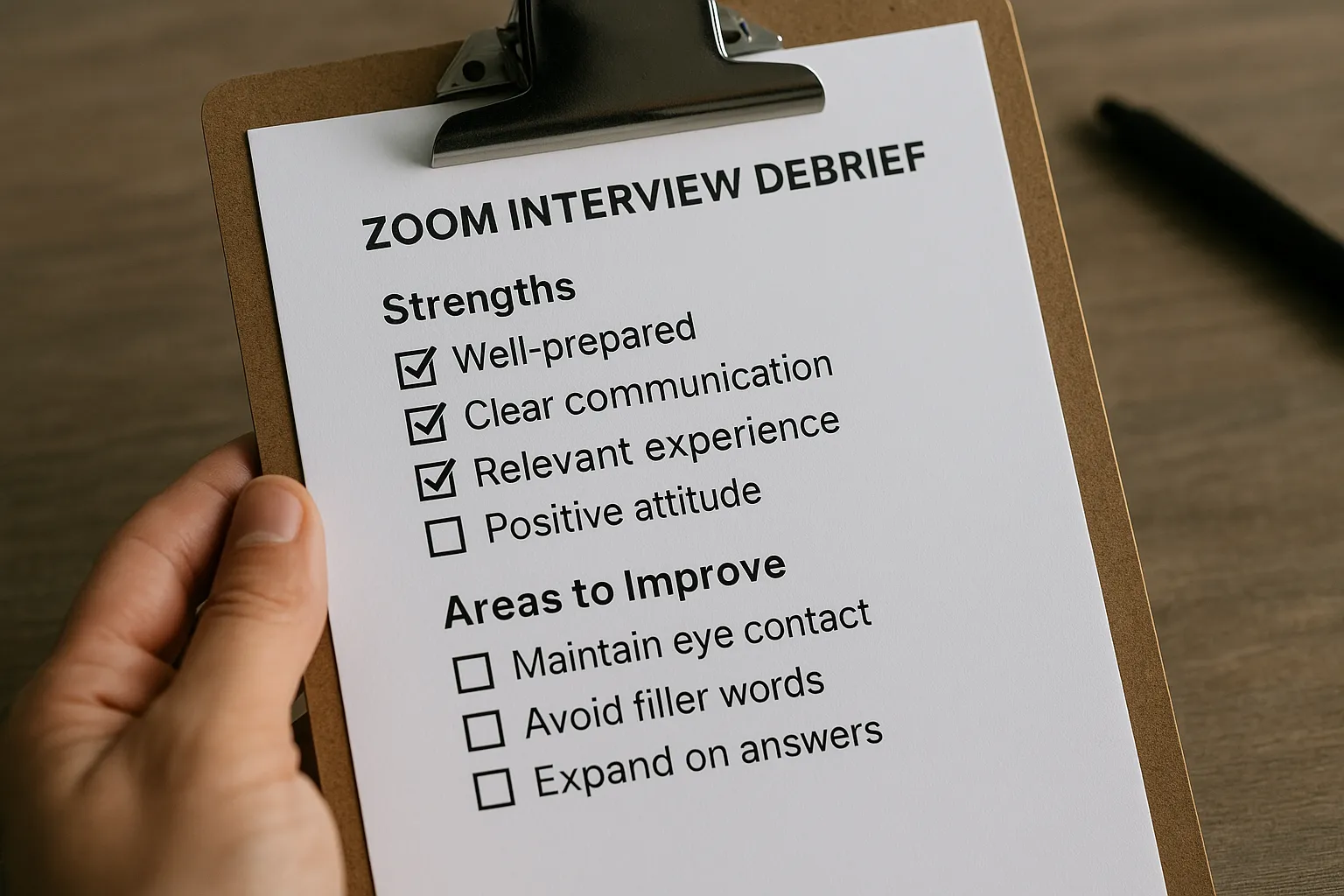
9. Post-Interview Reflection Powered by AI Notes
NiraswaAI automatically logs your responses, time-stamps each question, and creates an ATS-friendly note set. Immediately after the call you can:
- Evaluate talk-time balance and filler words.
- Identify weak responses for targeted practice before the next round.
- Export highlights directly into a thank-you email template.
This rapid feedback loop consolidates learning while the conversation is still fresh.
10. Key Takeaways
- A flawless Zoom setup—camera, audio, lighting—is the foundation of professional presence.
- Structured answers around STAR or CAR keep virtual attention spans engaged.
- Real-time AI coaching turns your résumé and job description into live prompts, elevating confidence without subscription fatigue.
- Ethical usage means leveraging prompts as memory aids, not scripts.
- Immediate AI-generated debriefs accelerate improvement between rounds.
Ready to turn Zoom interviews from stressful to strategic? Visit NiraswaAI to unlock your real-time interview assistant today and secure your next offer with data-backed confidence.