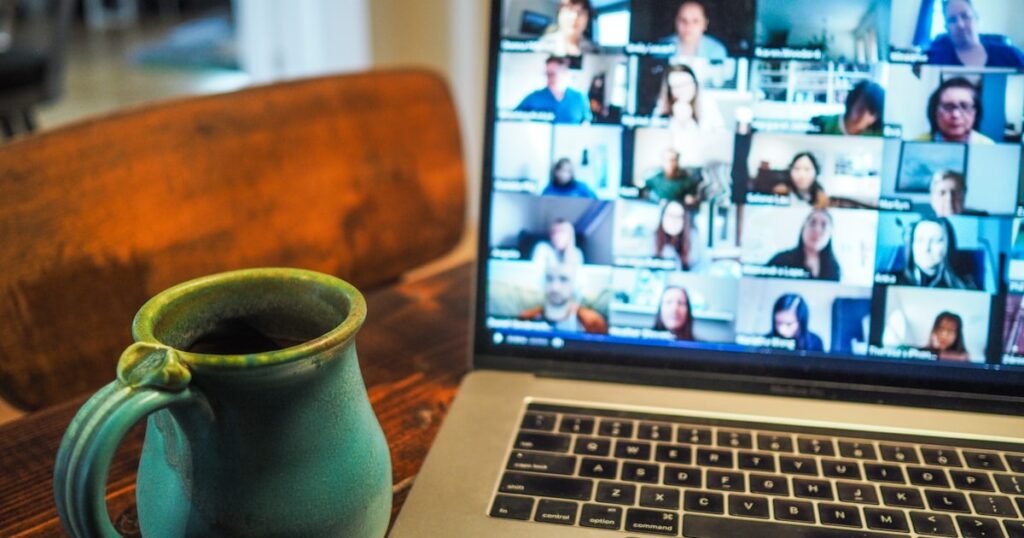

Remote tech interviews have become the default in 2026. Whether you’re applying to a Bay Area unicorn, a Berlin scale-up, or a fully distributed startup, the first impression a hiring manager forms isn’t from your résumé — it’s from how you look and sound on a video call. A pixelated webcam, an echoey room, or a flaky Wi-Fi connection can sink an otherwise strong candidate before the first system design question is even asked.
This guide is the engineering-grade checklist for your remote interview setup. Every recommendation is based on what real recruiters at FAANG, fintech, and high-growth SaaS companies have flagged as deal-breakers — and what stronger candidates do differently. By the end of this article, your video, audio, lighting, network, and software stack will be tuned for high-stakes interviews.
Why Your Remote Interview Setup Matters More in 2026
According to recruiter surveys conducted in late 2025, more than 78% of technical first-round interviews are now conducted remotely, and 41% of final-round panels are also virtual. Hiring managers consistently rank “professional video presence” among the top three non-technical signals they use to differentiate borderline candidates.
The reason is simple: remote interviews compress signal. A recruiter has 45 minutes through a 13-inch laptop screen to evaluate communication, structured thinking, and culture fit. Anything that adds friction — bad audio, dropped frames, frozen screens — reduces the bandwidth they have to evaluate you.
The five pillars of a great remote setup
- Camera: position, resolution, framing
- Audio: microphone, room acoustics, latency
- Lighting: direction, color temperature, contrast
- Network: bandwidth, redundancy, failover
- Software: platform, screenshare, browser hygiene
1. Camera: Eye Level, Sharp, and Properly Framed
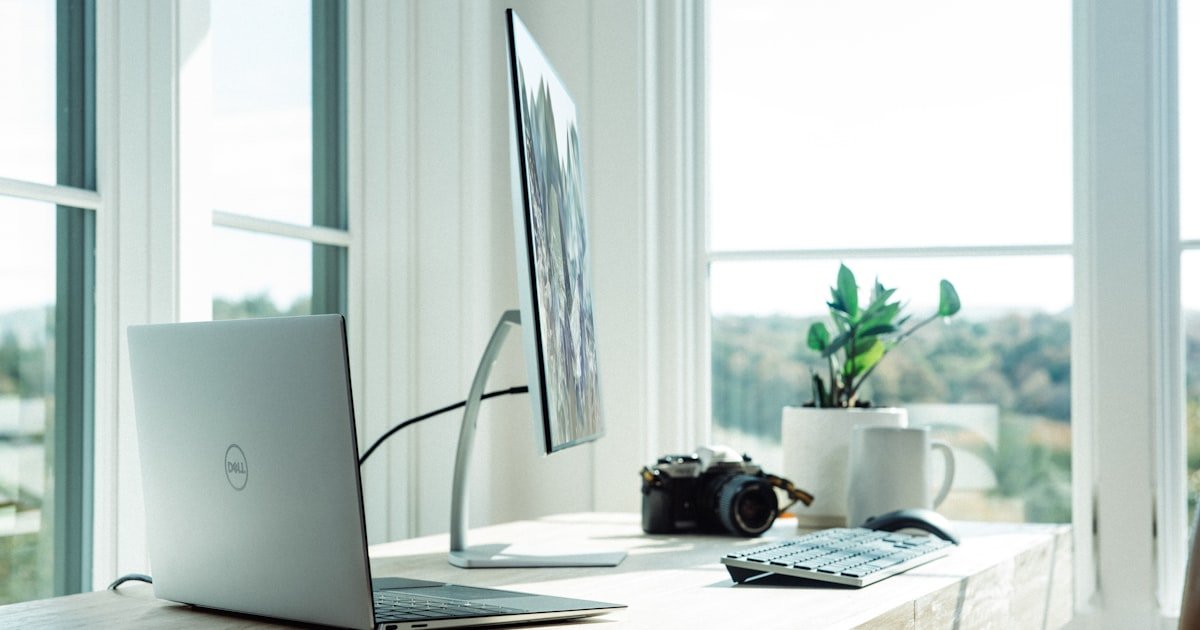
The built-in webcam on most laptops sits below your chin. That angle adds a subtle but real “looking down at the interviewer” effect. Raise your laptop on a stand or stack of books so the lens sits at the top of your forehead. Aim to fill the middle third of the frame with your shoulders and head.
If you can invest in one piece of hardware, make it an external 1080p webcam (the Logitech Brio, Insta360 Link, or any modern Sony/Anker ZV model). They handle dynamic range and low light far better than built-in modules. Frame yourself with a small amount of headroom and a clean background — bookshelves work, busy hallways do not.
Quick camera checklist
- Lens at eye level, ~24–30 inches from your face
- 1080p at 30fps minimum (4K is unnecessary on most platforms)
- Disable platform “beauty filters” — they introduce artifacts under load
- Look at the camera, not the participant tile, when answering key questions
2. Audio: The Single Highest-Impact Upgrade
Recruiters forgive a mediocre camera. They do not forgive bad audio. If a panelist has to ask “can you repeat that?” twice in a forty-five minute interview, you’ve lost momentum that’s nearly impossible to recover.
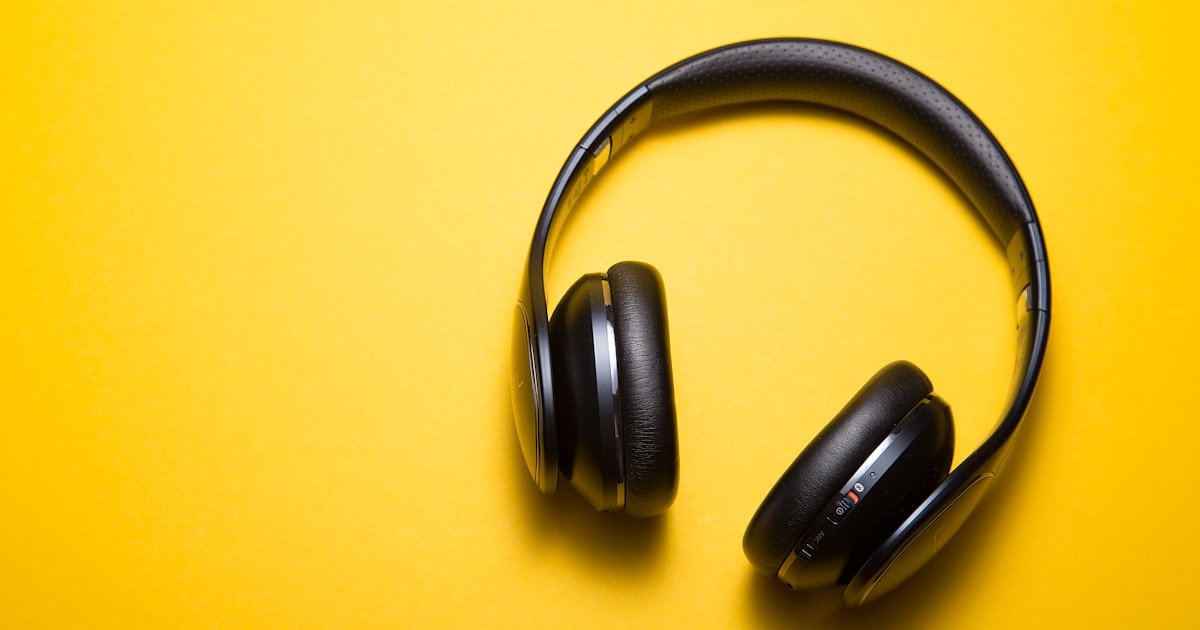
The hierarchy of audio quality, in order of impact, is: dedicated microphone > wired headset mic > Bluetooth earbuds > laptop built-in. A USB condenser like the Shure MV7+, Blue Yeti Nano, or Rode NT-USB Mini sits below $200 and produces broadcast-grade audio. If a USB mic isn’t an option, wired earbuds with an inline mic dramatically outperform Bluetooth — Bluetooth codecs introduce 100–300 ms of latency that interviewers can subconsciously feel.
Treat your room, not just your mic
A great mic in a bad room still sounds bad. Hard parallel surfaces — walls, windows, monitors — bounce sound and create the dreaded “Zoom echo.” You don’t need a professional booth: a duvet on the wall behind you, a rug under your desk, and curtains over a nearby window absorb 70% of problem reflections. Test your audio with a 30-second sample in your interview platform before the call, not at the start of it.
3. Lighting: The Difference Between “Caves” and “Confidence”
Lighting is the cheapest professional upgrade you can make. The principles that work for podcasters work for interviewees. Aim for a soft, front-biased key light at roughly 45 degrees from your face and avoid backlight from windows or overhead fluorescents.
A $40 ring light or two USB-powered panel lights at 5500K placed slightly above eye level removes nearly every common video issue: under-exposed faces, harsh shadows, color casts. If you wear glasses, angle the lights so reflections fall outside the lens — most ring lights creating glare can be fixed by raising them six inches.
Lighting do’s and don’ts
- Do: use diffused front light + soft ambient fill
- Do: match color temperature across all sources (5000–5500K is safe)
- Don’t: sit with a window directly behind you
- Don’t: rely on overhead lights alone — they create raccoon shadows
4. Network: Redundancy Beats Raw Speed
You don’t need gigabit fiber to run a clean interview. You need stable upload bandwidth and a failover plan. Most platforms (Zoom, Google Meet, Teams) require around 3.8 Mbps up for HD video. The bigger risk isn’t your peak speed — it’s a single packet-loss event during a behavioral question.
Pre-interview network checklist
- Run an Ethernet cable to your router (skip Wi-Fi if you can)
- Reboot the router 30 minutes before the interview
- Pause large background syncs (Dropbox, OneDrive, OS updates, cloud backups)
- Have your phone hotspot ready as a tested failover
- Test with
fast.comand a 1-minute Zoom test call within an hour of the interview
Tell interviewers up front, “If I drop, I’ll rejoin within 60 seconds via my hotspot.” Hiring managers love this — it shows operational maturity, which is exactly the trait they’re hiring for in senior engineers.
5. Software and Workflow: Quiet, Closed, and Ready to Share
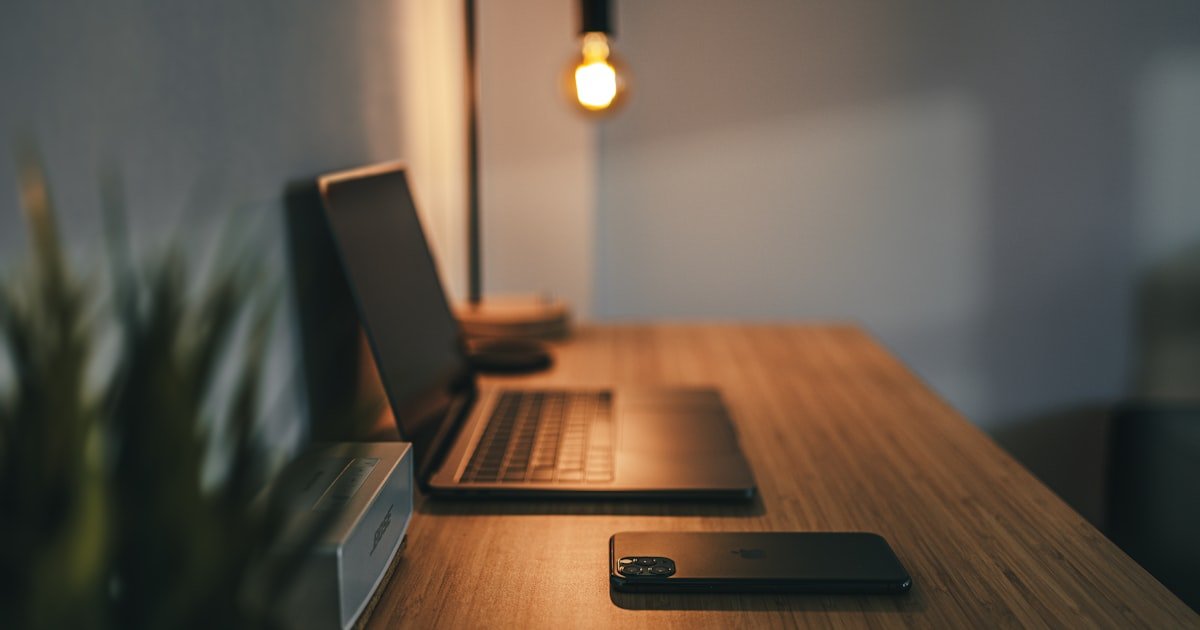
Five minutes before the call, close every application that isn’t strictly required: Slack, email, browser tabs unrelated to the interview, music apps, IDE notifications. Push them not just to background but actually quit them. Notification banners during a screen share are an extremely common reason candidates lose composure.
For coding interviews, prepare your IDE before the call. Have a scratch project open in VS Code or IntelliJ with a single split pane, font sized at 16–18pt for screen-share readability, and your linter set to warn-not-error so it doesn’t underline mid-thought. For HackerRank, CodeSignal, or CoderPad sessions, log in and load the room link 10 minutes early so any browser plugin conflicts surface before the interview starts.
Tools that quietly help during interviews
The remote-interview category has matured significantly in the last two years. Real-time AI assistants like Niraswa AI can run as an invisible overlay on Zoom, Google Meet, Teams, HackerRank, and LeetCode — surfacing structured prompts, resume-personalized talking points, and live coding hints during the interview itself. Used responsibly as a preparation and confidence layer, it pairs well with a strong setup: you’ve eliminated the technical friction, and you have a quiet co-pilot if you blank on the SOLID principles.
The 24-Hour Pre-Interview Checklist
Treat the day before like a deploy day. Run a full dress rehearsal exactly as you’d run the real call.
- Test camera, mic, lighting, and network in the actual platform you’ll use
- Record a 2-minute test answer and watch it back at 1.5x — identify ums, framing issues, audio dips
- Confirm the calendar invite, time zone, and join link
- Charge your laptop and headset; have chargers connected during the call
- Prepare a short “if I drop, I’ll rejoin via hotspot” sentence
- Place water, a notebook, and a printed copy of your résumé within reach
The 5-Minute Pre-Call Warm-Up
Right before the call: stand up, shake out your hands, do 30 seconds of slow breathing, and read your “tell me about yourself” answer once aloud. This physically warms up your voice and shifts you from “anxious” to “engaged” mode. Then sit down, look at the camera, and join the call exactly on time — not early, not late.
Final Word: The Interview Setup Is Half the Battle
You can’t out-engineer a bad first impression. Investing two hours and roughly $150 in a clean remote interview setup will pay for itself the first time a hiring manager doesn’t have to mentally discount your communication score because of audio drops. Combine that with deliberate prep — STAR stories, system design templates, two patterns per LeetCode topic — and you’re in the top tier of remote candidates entering 2026.
Ready for your next interview? Run through this checklist 24 hours before your call, then again 5 minutes before. If you want a real-time prep partner during practice rounds, try Niraswa AI’s free tier and rehearse with the same overlay you’ll use on the real interview. Bookmark this page — your future self will thank you the next time a recruiter sends a Zoom link.